
Online Ruler – Fast, Accurate Measurements
High-precision vector ruler generator for print, craft calibration, and laser cutting.
Ruler Layout
Scales
Simple Measurement
Measure With Confidence
A focused measurement experience keeps scale marks, edges, and dimensions easy to read when you need a fast reference.
- Readable markings with clear visual spacing.
- Guided alignment for more consistent positioning.
- Practical calibration matched to your display.

Built For Everyday Measuring
Purposeful features for quick, clear, screen-based measurements.
Fast Measurements
Get measurements quickly without installing additional software.
Clear Scale
Use a clean visual scale designed for easy reading.
Browser Based
Access the experience directly from a modern browser.
Flexible Use
Useful for home projects, crafts, education, layouts, and everyday tasks.
Simple Interface
Keep measurements easy to read without unnecessary controls.
Responsive Design
Enjoy a polished experience across desktop, tablet, and mobile screens.
One Ruler, Many Uses
Keep a dependable measurement reference close by for practical daily work.

DIY Projects
Check small materials, parts, and project dimensions while you work.
Craft & Design
Reference sizes for paper, fabric, sketches, and handmade details.
Education
Support classroom exercises and everyday measurement practice.
Layout Planning
Check spacing, alignment, and dimensions during visual planning.
Everyday Measurements
Handle quick size checks without searching for a physical ruler.
How Rulerify Works
Go from opening the page to reading a measurement in moments.
Open The Ruler
Launch Rulerify directly in your browser.
Set Your Scale
Follow the simple calibration process for your screen.
Start Measuring
Place the digital ruler against your object and read the measurement.
Calibrate For Better Accuracy
Screens differ in pixel density and physical size. A quick reference check helps Rulerify display a scale that better matches your device.
- Use a familiar reference object.
- Align its edges with the visual guides.
- Save the adjusted scale for measuring.
Why Choose Rulerify
A clean tool experience built around the measurement itself.
No Complicated Interface
Get to the controls that matter without clutter.
Browser-Friendly
Use Rulerify from a current web browser.
Fast Access
Open the page and begin with minimal setup.
Clean Display
Read measurement marks with less visual noise.
Multiple Scenarios
Useful for craft, design, study, and DIY tasks.
Responsive Experience
A polished layout across common screen sizes.
Designed For Precision
Every visual element is tuned to keep measurements legible and useful.
Clear Measurement Marks
High-contrast ticks and deliberate spacing make important increments easier to identify.

Screen Calibration
A guided setup accounts for variations between displays and improves the usefulness of screen-based measurements.

Responsive Layout
Controls and measurement details adapt cleanly so the experience remains comfortable on desktop, tablet, and mobile.
Get Better Measurements
Small adjustments can make screen-based measurement more consistent.
Calibrate Your Screen
Calibrate your screen before measuring.
Align The Ruler
Keep the ruler aligned with the object's edge.
Keep A Consistent View
Use a consistent viewing position.
Check Key Points
Check the measurement from multiple points when precision matters.
Measurement Guides & Tips
Short, practical guidance for using digital measurement tools well.
How to Use a Ruler Online: Measure Accurately in Your Browser
Measuring a small object should not require searching through drawers for a physical ruler. If you have a...
Read More →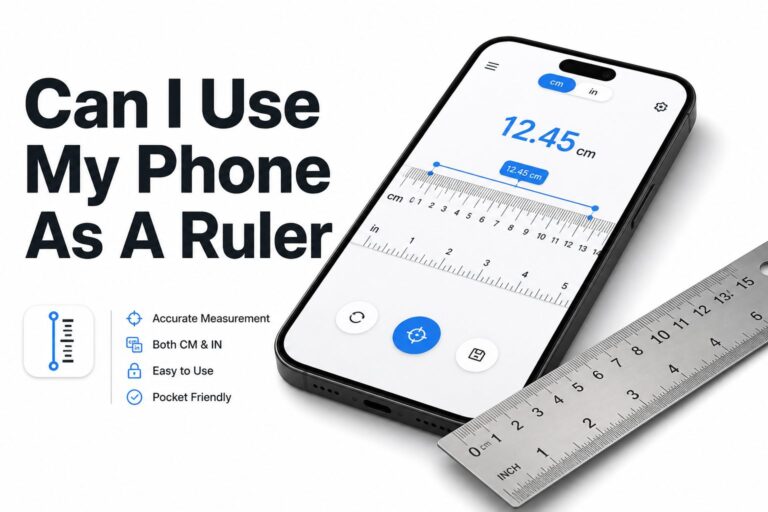
Can I Use My Phone as a Ruler? How to Measure Accurately
Can I use my phone as a ruler is a common question when you need a quick measurement...
Read More →
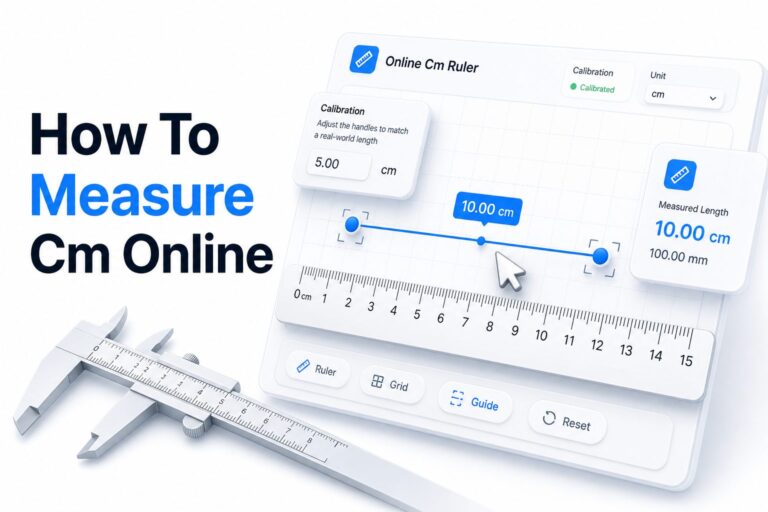
How to Measure cm Online: Free and Accurate Tool
If you need to measure something in centimeters but do not have a physical ruler nearby, an online...
Read More →What Users Say
Simple feedback from people who value quick, practical measurements.
“Rulerify makes quick screen measurements much easier when I need a simple reference during design and craft work.”

Sarah Miller
Craft Designer“The interface is clean and fast. I can get a quick measurement without dealing with unnecessary controls.”

Daniel Brooks
DIY Creator“It is a handy browser tool for small measurement tasks and works nicely when I need something immediately.”

Emma Wilson
StudentFrequently Asked Questions
Quick answers about digital rulers, calibration, and screen measurement.
What Is An Online Ruler?
An online ruler is a browser-based visual scale that helps you estimate or measure small physical objects against your screen.
How Does A Digital Ruler Work?
It converts screen pixels into a visible physical scale. Calibration helps match that scale to the size and density of your display.
Can I Use Rulerify On My Phone?
Yes. Rulerify uses a responsive layout, though calibration is recommended because phone displays vary significantly.
How Do I Calibrate The Ruler?
Use a known reference object, align it with the calibration guide, and adjust the displayed scale until both sizes match.
Is Screen Measurement Accurate?
It can provide a useful reference after calibration, but it should not replace certified measuring equipment for critical work.
What Can I Measure With Rulerify?
It works best for small items that can be placed safely against your screen, such as cards, craft pieces, screws, and stationery.
Do I Need To Install Software?
No. Rulerify runs directly in a modern web browser without a separate download or installation.
Can I Use Rulerify For DIY Projects?
Yes. It is useful for quick checks of small parts and materials, while a physical tool remains best for large or safety-critical work.
Ready To Measure?
Use a simple digital ruler whenever you need a quick and convenient measurement reference.